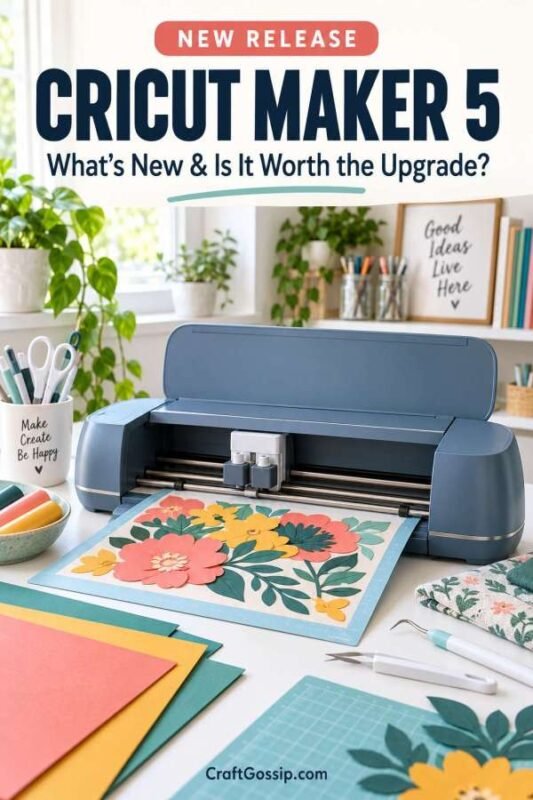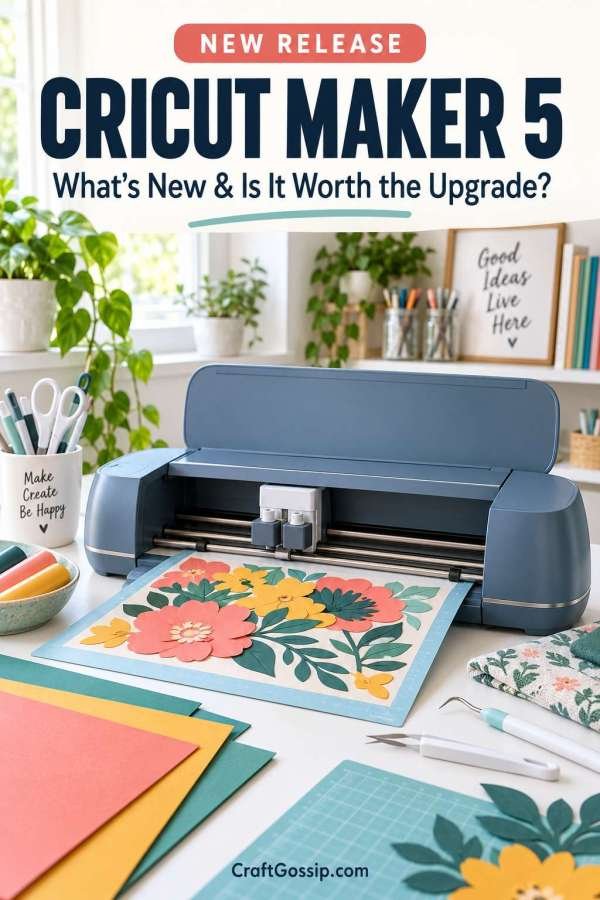
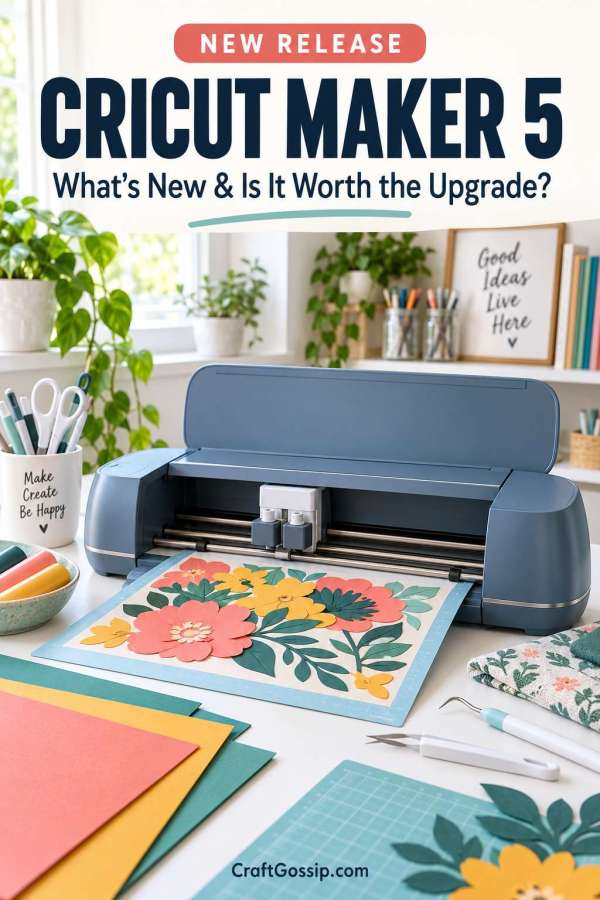
Cricut has officially released the Cricut Maker 5, its newest and most versatile smart cutting machine yet.
The Maker series has always been the Cricut machine aimed at crafters who want to do more than cut paper and vinyl. This is the machine people choose for fabric, leather, engraving, debossing, wood and those slightly ambitious projects that begin with “I wonder if my Cricut can cut this?”
With the Maker 5, Cricut has increased the material clearance, reduced the machine’s overall footprint and introduced a more streamlined crafting experience through Cricut Design Space.
But is it different enough to justify upgrading from an earlier Cricut Maker? Let’s take a closer look.
What Is New About the Cricut Maker 5?
The most significant improvement is the Maker 5’s ability to cut and engrave compatible materials up to 3 mm thick.
Previous Maker machines had a maximum clearance of approximately 2.4 mm, so this represents a 25% increase. That extra space opens the door to thicker materials and more dimensional craft projects.
Compatible materials may include:
- Leather
- Acrylic
- Metal
- Foam core
- Corrugated plastic
- Felt
- Thin wood
- Fabric
- Crepe paper
- Cardstock
- Vinyl and iron-on materials
As always, “compatible” is the important word here. Material thickness, density and the blade or tool being used all matter, so I would still check Cricut’s official compatibility information before sending a precious piece of leather or acrylic through the machine.
A Smaller Machine for Real Craft Rooms
The Cricut Maker 5 is reportedly 30% more compact than previous Cricut Maker models, while retaining its familiar 12-inch cutting capability.
I think this may be one of the most practical improvements.
Most of us are not crafting in enormous studios with perfectly empty workbenches. Our machines share space with sewing supplies, paper stacks, half-finished projects and at least one drawer that no longer closes properly.
A smaller footprint makes the Maker 5 easier to keep on a desk or cutting table without sacrificing the standard project width.
The machine is available in two new colours:
The Slate Blue version is available directly through Cricut, while the Teal machine is initially offered through an exclusive Michaels bundle.
More Than 300 Compatible Materials
According to Cricut, the Maker 5 can work with more than 300 materials and is compatible with 13 specialised tools.
Depending on the tool installed, the machine can:
- Cut
- Write
- Draw
- Foil
- Score
- Deboss
- Emboss
- Engrave
This variety is what separates the Maker range from Cricut’s more basic cutting machines.
You could use it to make full-colour stickers in the morning, cut fabric pieces for a sewing project after lunch and engrave a metal luggage tag before dinner. Whether you would actually achieve all three in one day without covering the dining table in supplies is another matter entirely.
For a practical example of using a Cricut Maker with fabric, take a look at our Cricut quilted potholder tutorial. It demonstrates how machine-cut fabric pieces can simplify a small patchwork project.
What Can You Make With the Cricut Maker 5?
The expanded clearance makes the machine particularly appealing to crafters interested in dimensional and mixed-media projects.
Possible Cricut Maker 5 projects include:
- Engraved metal luggage tags
- Acrylic signs
- Custom jewellery
- Leather keychains
- Layered wooden decorations
- Fabric appliqué pieces
- Felt decorations
- Personalised clothing
- Vinyl decals
- Full-colour stickers
- Handmade cards
- Wedding signage
- Quilting and sewing projects
If leather projects appeal to you, this personalised leather name keychain tutorial is an easy place to begin.
Cricut machines are also especially useful for personalised clothing. These 28 Cricut T-shirt project ideas show just how many gifts, event shirts and everyday designs can be created with iron-on vinyl.
Cricut Design Space Improvements
The Maker 5 continues to operate through Cricut Design Space, the company’s free design application.
Recent updates include guided project flows, streamlined editing tools and optional AI-powered design features intended to help turn ideas into cut-ready designs.
Cricut also offers Cricut Access, its paid content subscription containing more than 1.75 million images, 1,500 fonts and thousands of project templates.
You do not necessarily need a Cricut Access subscription to use the Maker 5. You can work with your own uploaded designs and eligible free content, but some images, fonts, templates and advanced software features require the paid membership.
That ongoing subscription cost is worth considering when comparing the total expense of different cutting machines.
What Comes With the Cricut Maker 5?
Cricut is offering several Maker 5 bundles rather than one universal package.
The Ultimate Bundle includes popular Maker-specific tools such as:
- Engraving Tip
- Knife Blade
- Deep-Point Blade
- Rotary Blade
This may offer better value for a first-time Maker owner who wants to explore thicker materials, fabric and engraving immediately.
If you already own a Cricut Maker, check which of your existing tools, blades, mats and accessories are compatible before buying another bundle. There is little point paying twice for tools already sitting in your craft drawer.
How Much Does the Cricut Maker 5 Cost?
At launch, Cricut Maker 5 bundles start at US$349 for the Slate Blue model.
The machine becomes available on September 4, 2026. During the first two weeks following its release, it will be sold exclusively through Cricut.com and Michaels stores before becoming available through additional retailers.
Australian pricing and local availability may differ, so check the regional Cricut website before ordering.
[Check the latest Cricut Maker 5 price and bundles here.] ADD AFFILIATE LINK
Should You Upgrade to the Cricut Maker 5?
If you already own a Maker 3 or Maker 4 and primarily cut vinyl, cardstock and iron-on materials, the upgrade may not be essential. Your current machine is still perfectly capable of handling those everyday projects.
The Maker 5 becomes more interesting if you:
- Regularly work with thicker materials
- Want to engrave compatible materials up to 3 mm
- Need a machine with a smaller footprint
- Make dimensional signs, jewellery or mixed-media projects
- Want to move from an Explore or Joy machine into the Maker range
- Are purchasing your first premium Cricut machine
For someone buying their first Cricut, the Maker 5 offers the broadest range of project possibilities. However, beginners who only want to make labels, paper crafts, cards and basic vinyl projects may not need all its advanced capabilities.
If you are still learning how digital cutting machines work, our review of The Unofficial Book of Cricut Crafts provides a useful introduction to Cricut techniques and project planning.
Our Cricut Maker 5 First Impression
The increased 3 mm material clearance is the standout feature of the Cricut Maker 5. It expands the machine’s usefulness for leather, acrylic, metal, thicker felt and dimensional projects rather than simply offering a cosmetic update.
The smaller body is also a genuinely practical improvement for home crafters with limited workspace.
Whether it is worth upgrading will depend heavily on what you already own. If your current Cricut handles every project you make, there is no need to rush out and replace it simply because a newer model has arrived.
However, if thicker materials, engraving and a smaller machine footprint are high on your wish list, the Cricut Maker 5 looks like a very capable addition to the Cricut family.